
Admin: HMRC Compliance
Complete guide to managing UK HMRC compliance, tracking sponsored workers, and ensuring regulatory compliance in CitoHR.
Overview
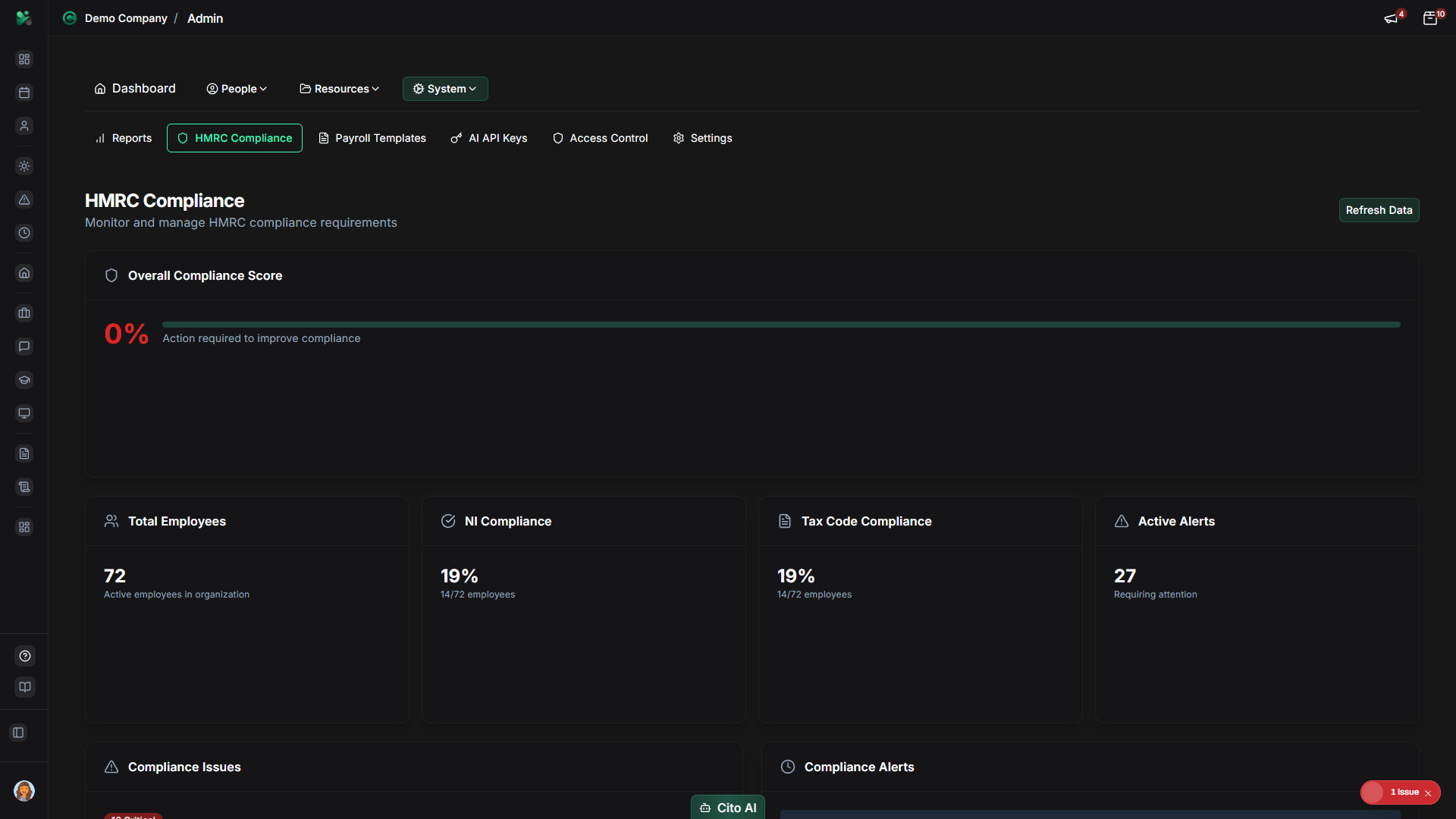
The Admin HMRC Compliance section helps you manage UK tax and employment compliance requirements. This includes tracking sponsored workers (visa holders), monitoring compliance deadlines, generating compliance reports, and ensuring your organization meets HMRC requirements for payroll, tax, and immigration.
Note
HMRC Compliance is a Pro feature. Ensure your organization has a Pro subscription to access compliance features.
Prerequisites
- You must have ADMIN role to access compliance features
- HMRC Compliance is a Pro feature - ensure your organization has Pro subscription
- Familiarity with UK HMRC requirements is recommended
Accessing HMRC Compliance
- Log in to your CitoHR account with Admin credentials
- Click on your organization name in the header
- Select "System" from the admin menu
- Click "HMRC Compliance" from the System dropdown
- Or navigate directly to /admin/compliance
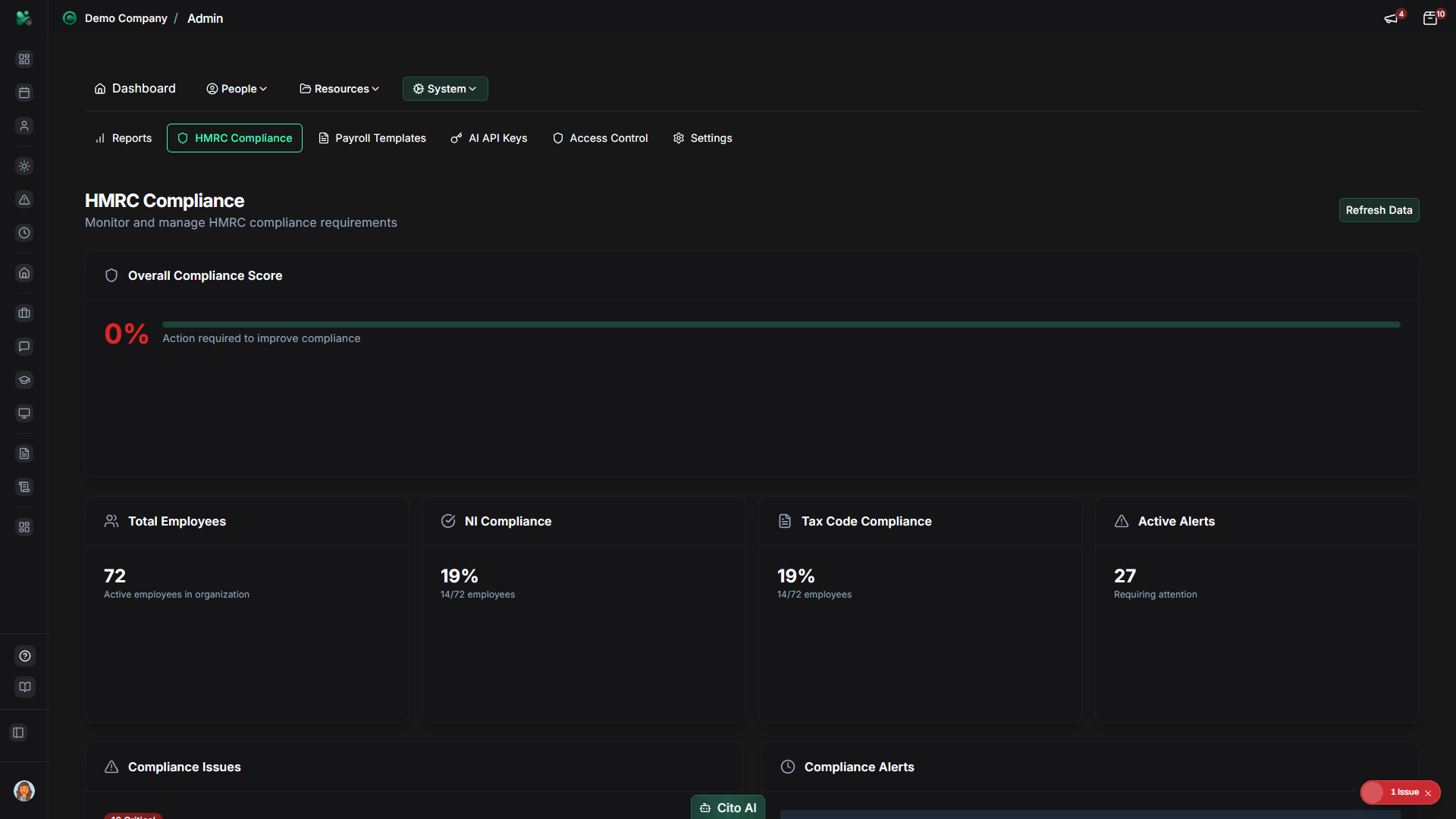
Compliance Dashboard
The compliance dashboard provides an overview of your organization's compliance status:
- View key compliance metrics and alerts
- See upcoming deadlines and required actions
- Monitor sponsored worker status and visa expirations
- Access compliance reports
- View compliance history and records
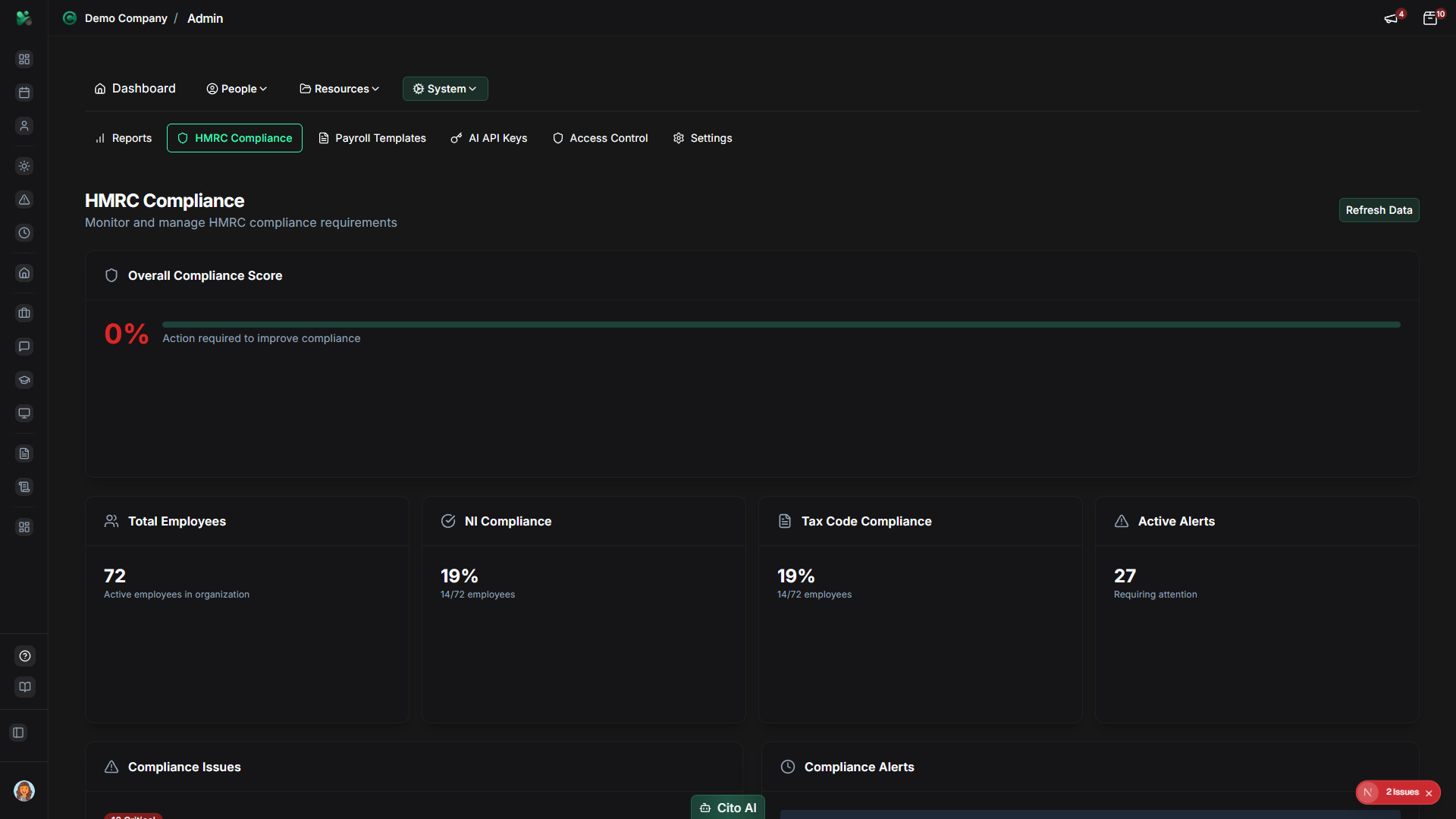
Tracking Sponsored Workers
Monitor employees with UK visas or sponsorship:
- Navigate to the Sponsored Workers section
- View all employees with active visas or sponsorship
- See visa expiration dates and renewal requirements
- Set up alerts for upcoming visa expirations
- Track sponsorship status and compliance requirements
- Generate reports for visa holders
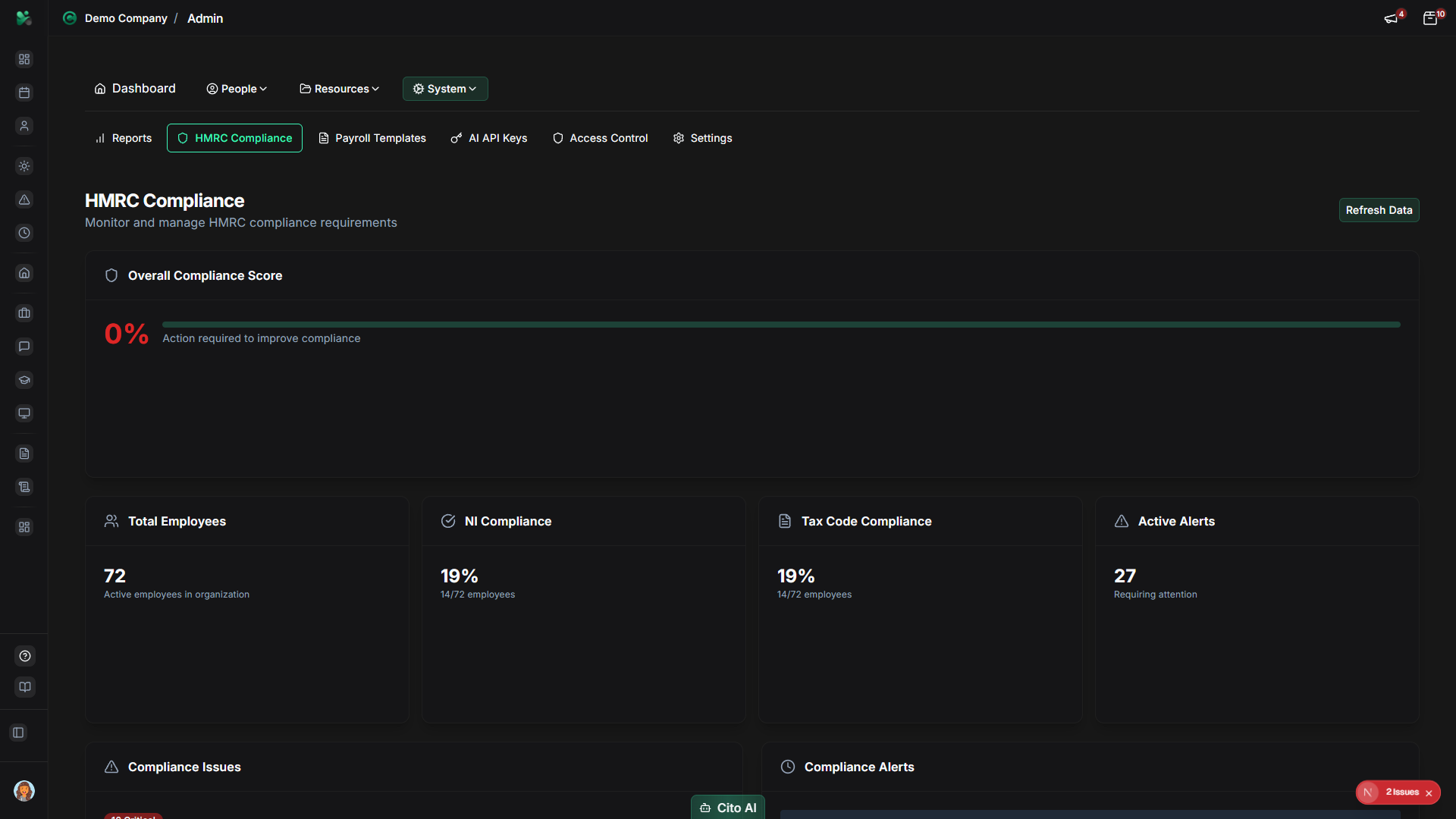
Warning
It's critical to track visa expiration dates and ensure timely renewals. Failure to maintain valid sponsorship can result in
serious compliance issues and penalties.
Compliance Reports
Generate compliance reports:
- Navigate to the Reports section
- Select the type of compliance report:
- P60 Reports - End of year tax summaries
- P11D Reports - Benefits in kind
- Auto-Enrolment - Pension compliance
- Working Time - Working time directive compliance
- Sponsored Workers - Visa and sponsorship reports
- Set date ranges and filters
- Click "Generate Report"
- Export reports in required formats (CSV, Excel, PDF)
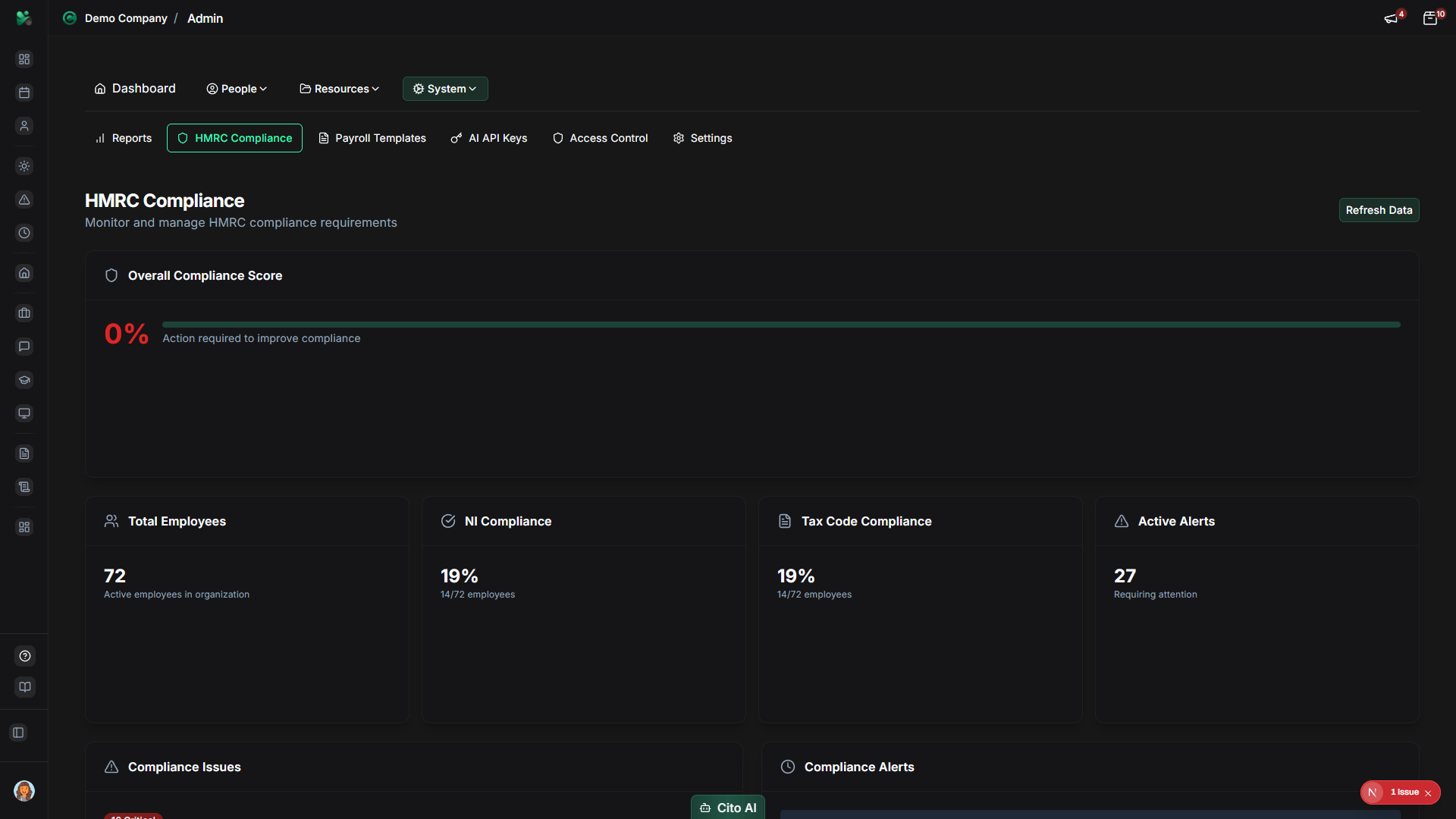
Compliance Alerts and Deadlines
Monitor upcoming compliance deadlines:
- View the Alerts section on the compliance dashboard
- See upcoming deadlines for:
- Visa renewals
- Tax submissions
- Pension contributions
- Compliance reporting
- Set up email notifications for critical deadlines
- Mark deadlines as complete when actions are taken
Best Practices
- Regularly review the compliance dashboard for alerts and issues
- Set up notifications for visa expiration dates well in advance
- Keep employee immigration status information up to date
- Generate compliance reports regularly for record-keeping
- Coordinate with your payroll provider or accountant on tax compliance
- Document all compliance actions and submissions
- Review HMRC requirements regularly as they may change
- Ensure all required employee data is accurate and complete
Related Features
- Users - Update employee immigration status and visa information
- Payroll Data - Ensure payroll data meets HMRC requirements
- Reports - Generate compliance-related reports
- Settings - Configure immigration and compliance settings