
Admin Dashboard
Complete guide to using the Admin Dashboard to monitor your organization and access administrative features.
Overview
The Admin Dashboard provides a comprehensive overview of your organization's HR metrics, system information, and quick access to common administrative tasks. It's your central hub for monitoring and managing CitoHR.
Prerequisites
- You must have ADMIN role to access the Admin Dashboard
- The dashboard requires your organization to be set up with at least basic configuration
Accessing the Admin Dashboard
- Log in to your CitoHR account with ADMIN credentials
- Click on your organization name in the header (top left)
- Select "Admin Dashboard" from the popover menu
- Or navigate directly to /admin in your browser
Understanding the Dashboard
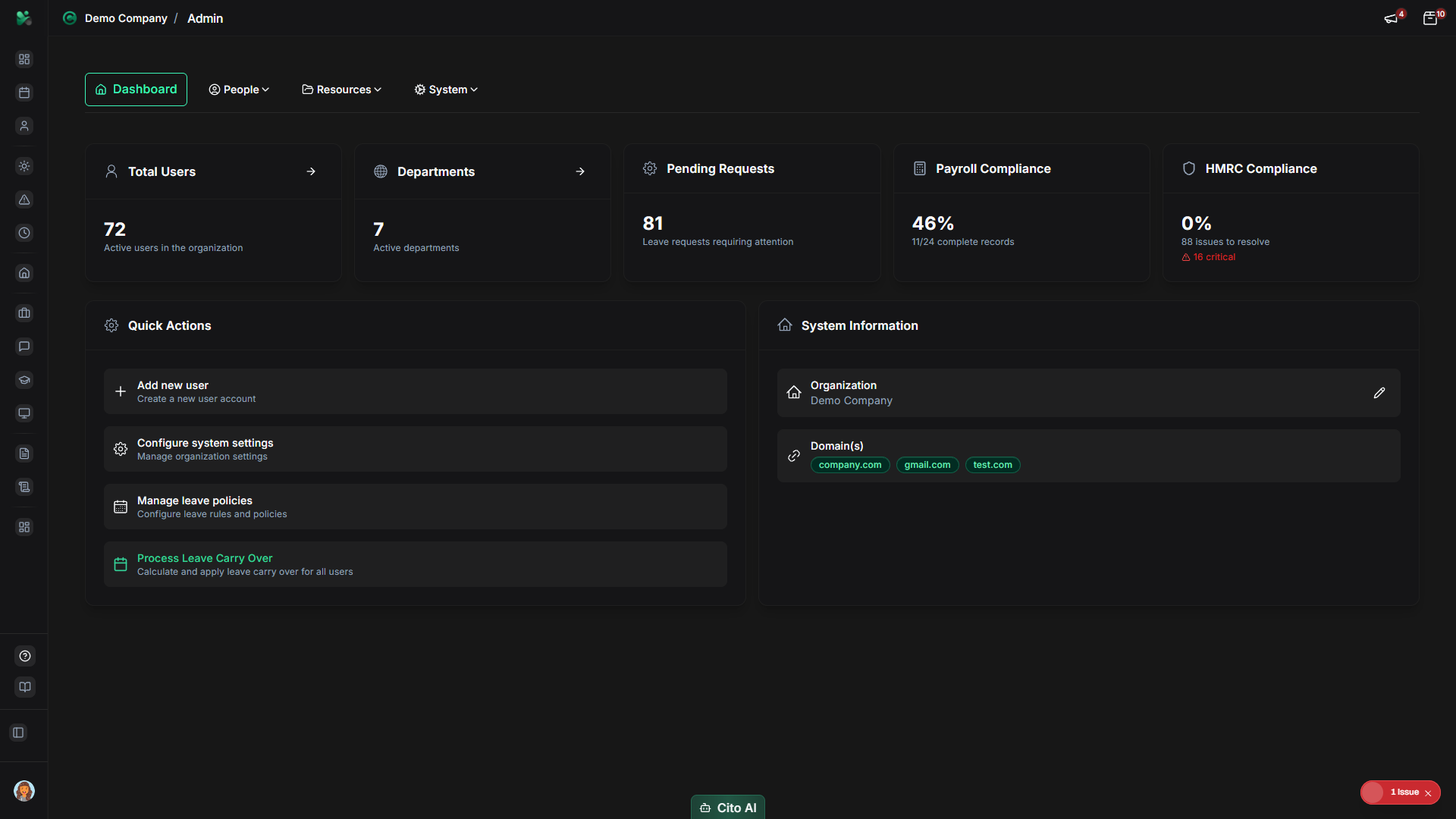
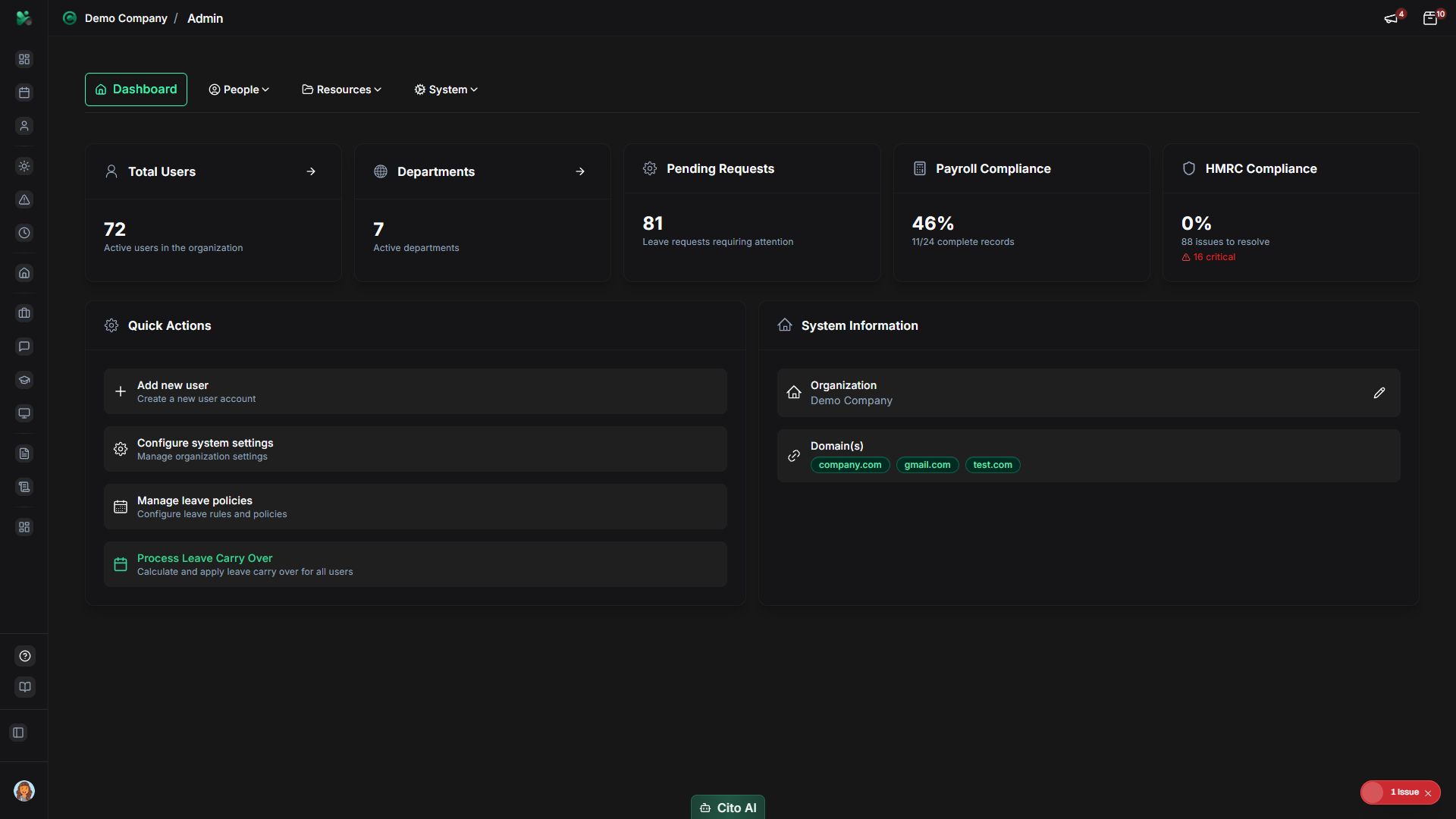
The Admin Dashboard displays several key sections:
Statistics Cards
View key metrics at a glance:
- At the top of the dashboard, you'll see statistics cards showing:
- Total Users - Number of employees in your organization
- Total Departments - Number of departments configured
- Pending Leave Requests - Leave requests awaiting approval
- Payroll Data Quality - Percentage of employees with complete payroll data (if applicable)
- HMRC Compliance Score - Overall compliance status (if applicable)
- Click on any statistic card to navigate to the related admin section
Quick Actions
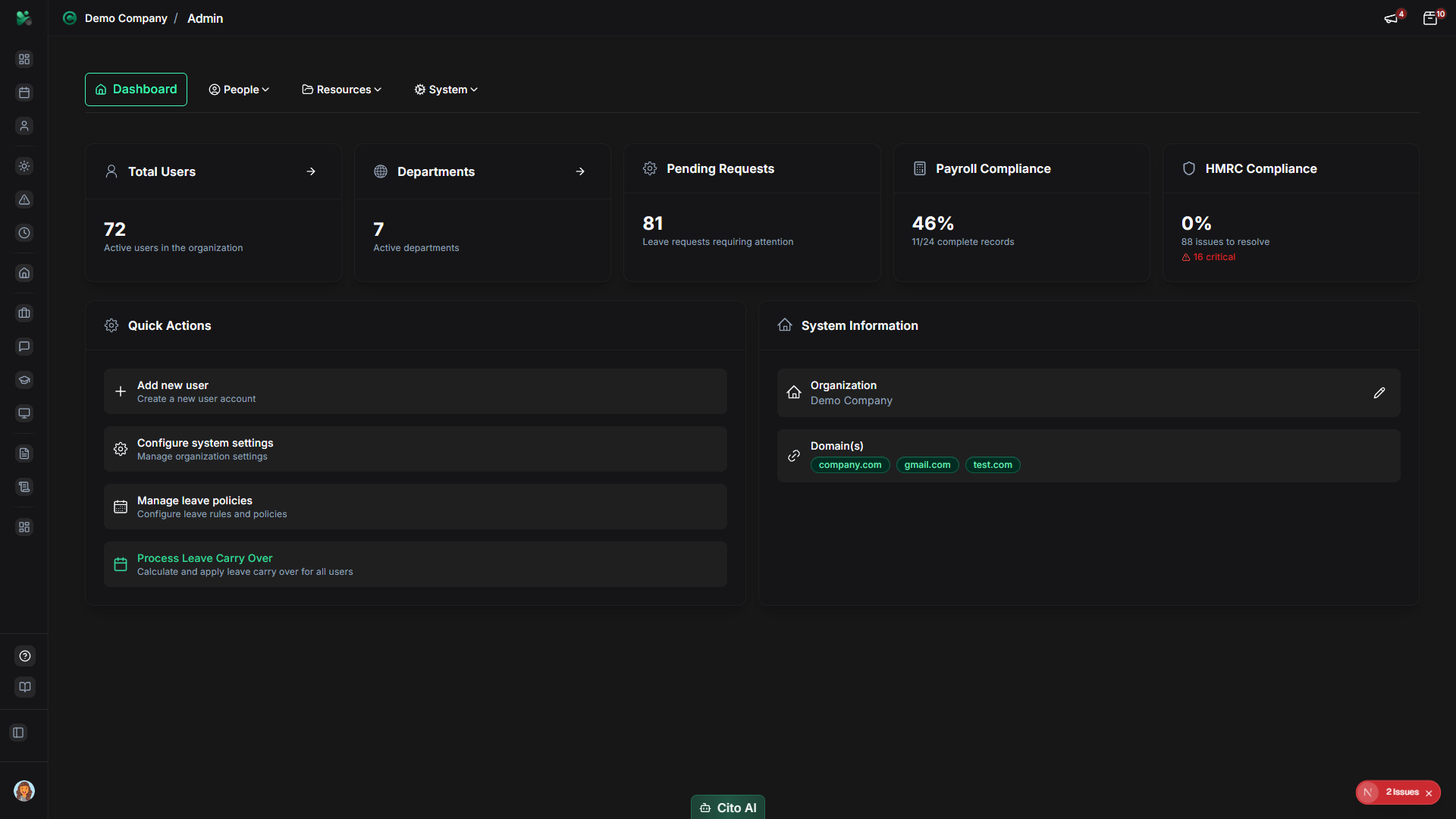
Access common administrative tasks quickly:
- The Quick Actions card provides shortcuts to frequently used admin features
- Common quick actions include:
- Create New User
- Add Department
- Configure Leave Settings
- View Reports
- Manage Settings
- Click on any quick action to navigate directly to that feature
System Information
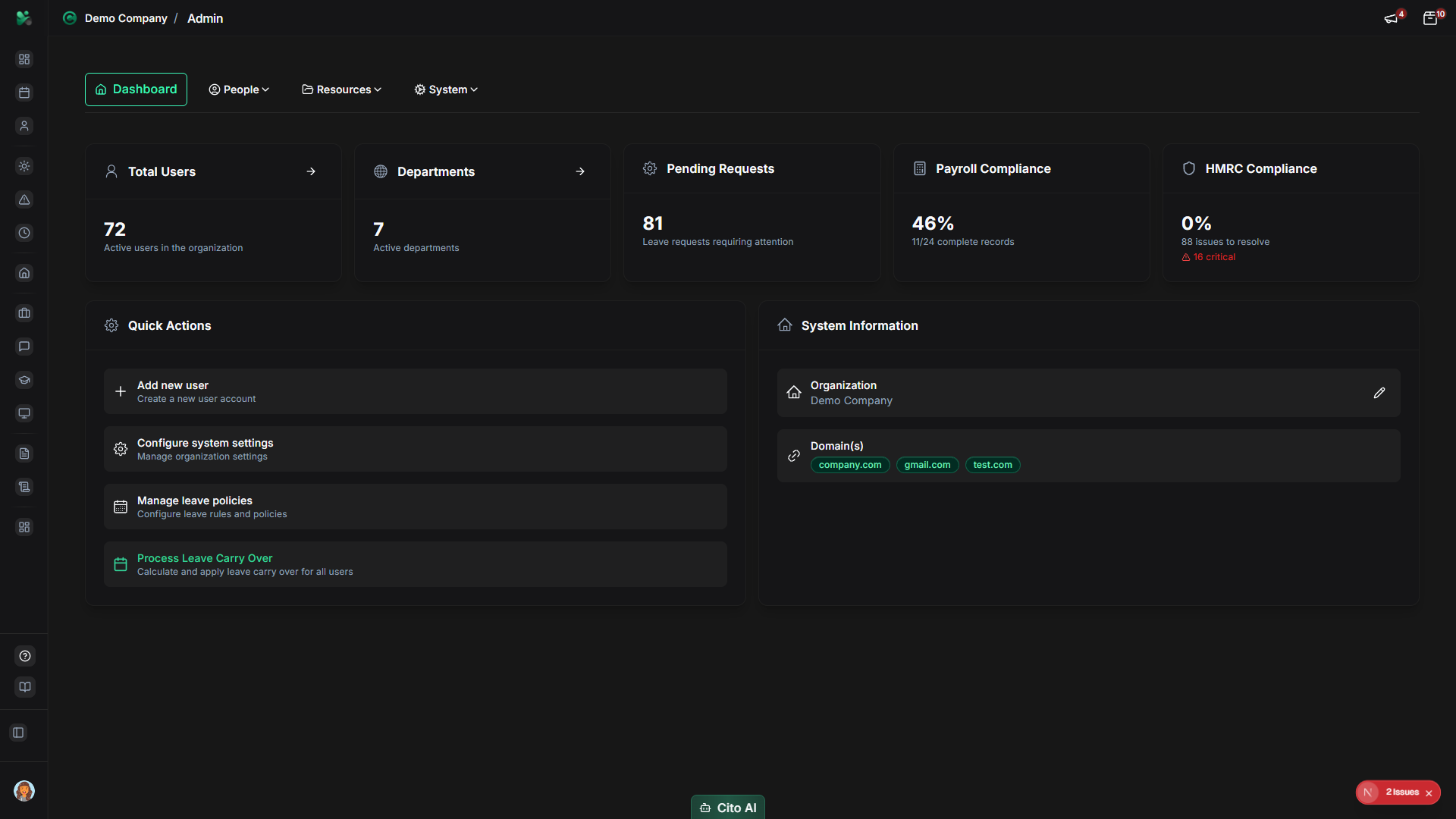
View important system details:
- The System Information card displays:
- Organization name
- Domain names configured
- System status
- Subscription information (if applicable)
- Click "Manage Organization" to access organization settings
Navigating from the Dashboard
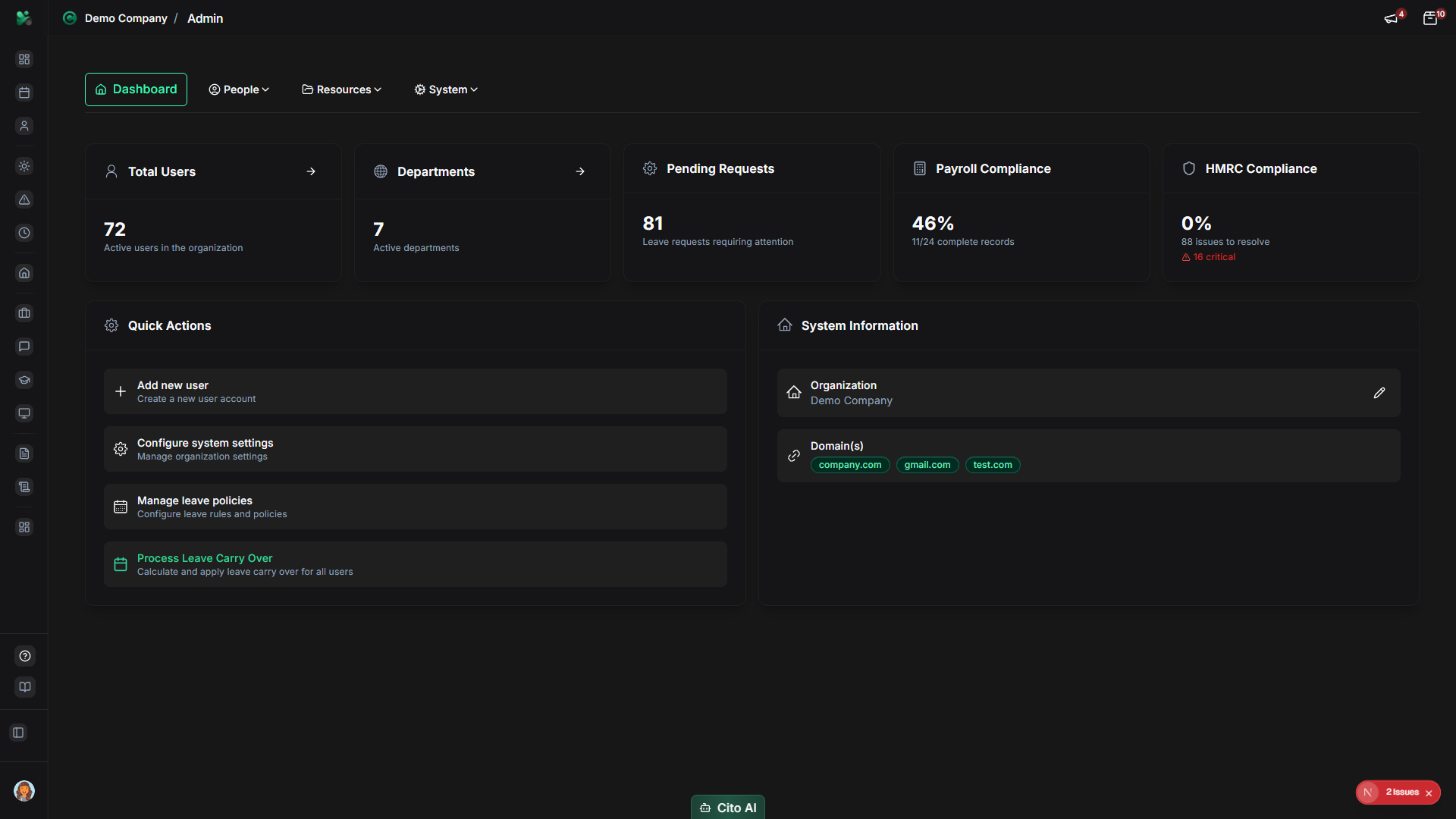
Access other admin sections:
- Use the Admin navigation tabs at the top of the page
- The tabs are organized into groups:
- Dashboard - Return to admin dashboard
- People - User and employee management
- Resources - Training, equipment, documents, policies
- System - Reports, compliance, settings
- Click on a group name to see a dropdown menu with all sections in that group
- Click on a section name to navigate to that admin page
Monitoring Key Metrics
Use the dashboard to track important metrics:
- User Growth - Monitor total users to track hiring and organizational growth
- Leave Requests - Check pending leave requests that need attention
- Payroll Completeness - Ensure all employees have complete payroll data
- Compliance Status - Monitor HMRC compliance score and issues
- Review these metrics regularly to stay on top of administrative tasks
Tip
Check the Admin Dashboard daily to monitor pending leave requests and ensure timely approvals.
This helps maintain good employee experience and operational efficiency.