
How do I: Generate compliance reports
Learn how to create compliance reports for HMRC and regulatory requirements.
Overview
Compliance reports help ensure your organization meets UK regulatory requirements including HMRC tax submissions, pension auto-enrolment, working time directives, and immigration compliance. These reports can be generated on demand or scheduled for regular submission.
Note
Compliance reporting is a Pro feature. Ensure your organization has a Pro subscription to access this functionality.
Accessing Compliance Reports
To generate compliance reports:
- Navigate to Admin > Reports
- Click on the "Compliance" tab
- You'll see a list of available compliance reports
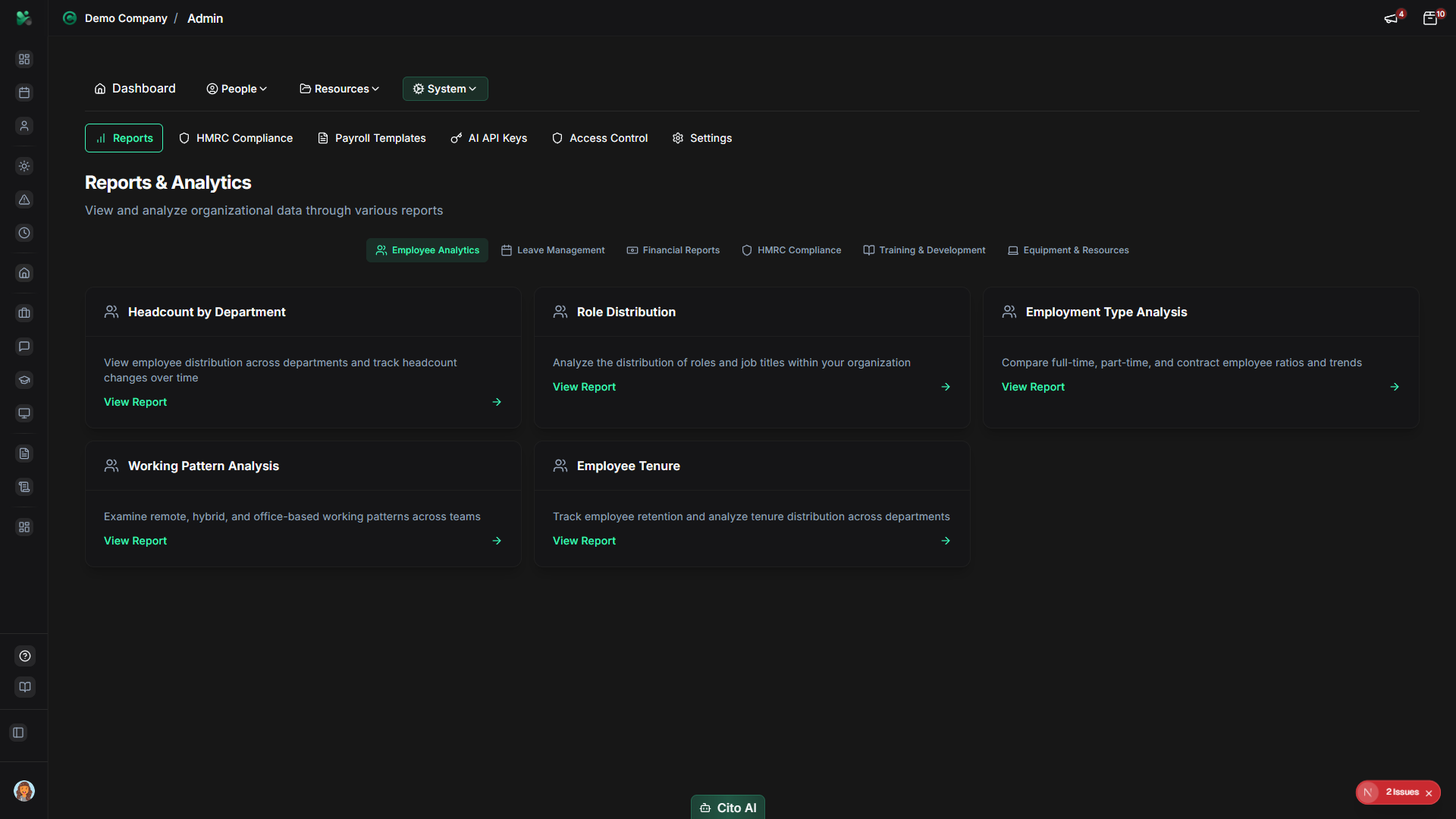
Available Compliance Reports
CitoHR provides the following compliance reports:
- P60 Reports - End of year tax summaries for employees
- P11D Reports - Benefits in kind reporting
- Auto-Enrolment - Pension compliance reports
- Working Time - Working time directive compliance
- Sponsored Workers - Visa and sponsorship reports
- HMRC Submissions - RTI and tax submission reports
Generating a Compliance Report
To generate a compliance report:
- Select the report type you need (e.g., "P60 Reports")
- Click "Generate Report" or "Create Report"
- Configure report parameters:
- Date Range - Select the period for the report
- Employees - All employees or specific departments/individuals
- Format - CSV, Excel, or PDF
- Include Details - Choose what data to include
- Click "Generate" or "Create Report"
- Wait for the report to be generated (this may take a moment for large datasets)
- Download the report file
Tip
For large organizations, generating reports may take a few minutes. You can continue working while the report
generates, and you'll be notified when it's ready.
Filtering Report Data
Apply filters to generate specific compliance reports:
- By Department - Generate reports for specific departments
- By Employee - Individual employee reports
- By Date Range - Specific time periods
- By Status - Active employees, leavers, etc.
Exporting Reports
Export reports in the required format:
- After generating a report, click "Export" or "Download"
- Choose the export format:
- CSV - For spreadsheet applications
- Excel (XLSX) - For Microsoft Excel
- PDF - For official submissions
- The file will download to your computer
Scheduling Regular Reports
For reports you need regularly, you can schedule automatic generation:
- When generating a report, check "Schedule This Report"
- Configure the schedule:
- Frequency (Monthly, Quarterly, Annually)
- Day of month/week
- Recipients (who should receive the report)
- Save the schedule
Important
Scheduled reports are automatically generated and emailed to specified recipients. Ensure email addresses are
correct and that recipients have access to view compliance data.
Related Documentation
- Admin: HMRC Compliance - Complete compliance guide
- Admin: Reports - All reporting capabilities