
How do I: Configure leave approvers
Learn how to set up the approval workflow for leave requests in your organization.
Overview
Leave approvers determine who can approve leave requests from employees. You can configure approvers at the user level, allowing for flexible approval workflows based on your organization's structure.
Note
You need Admin or HR Manager permissions to configure leave approvers.
Accessing User Settings
To configure leave approvers for an employee:
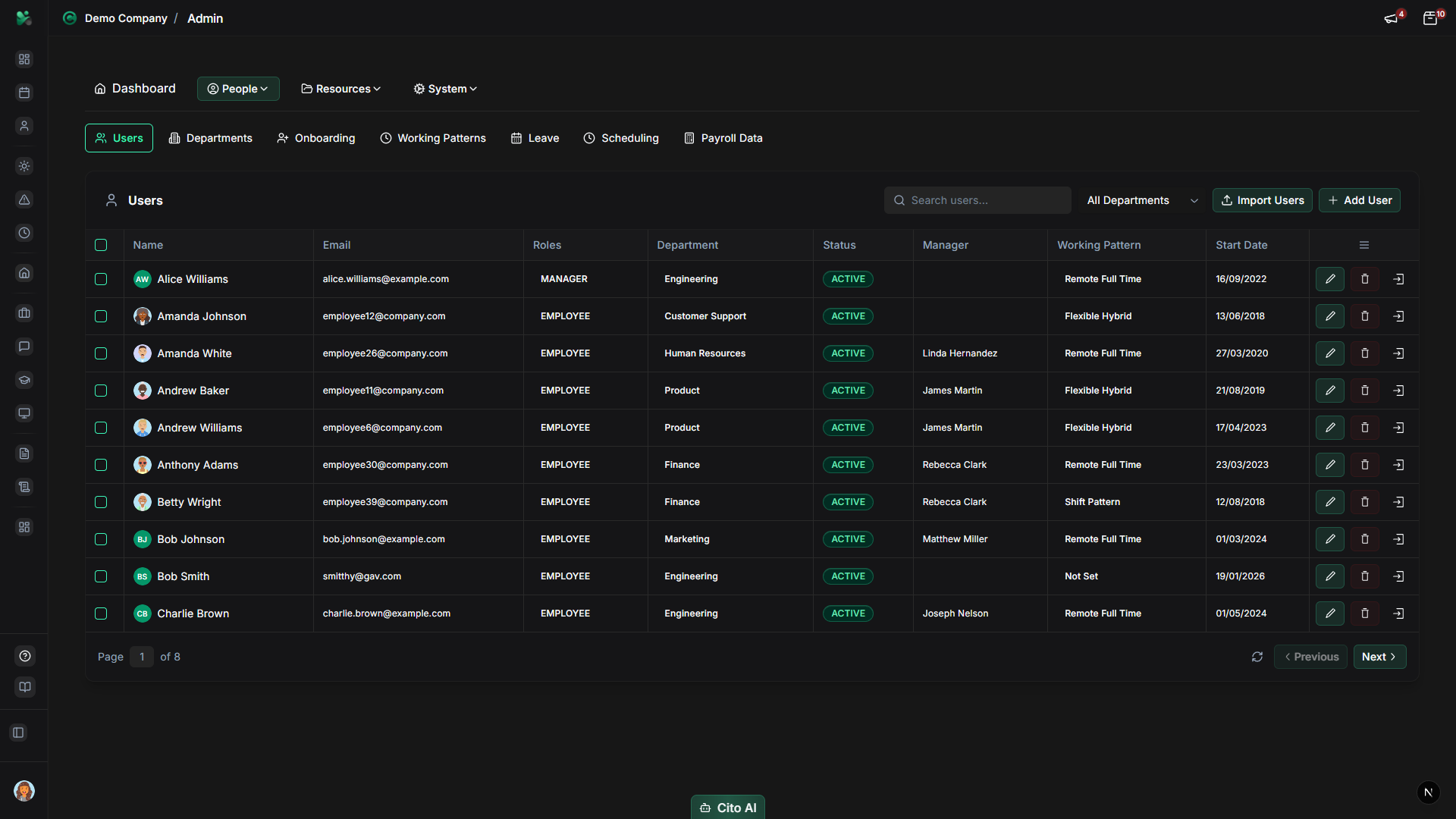
- Navigate to Admin > Users
- Find and click on the employee whose leave approver you want to configure
- Open the "Approval" tab in the user's profile
Setting a Leave Approver
To assign a leave approver:
- In the "Approval" tab, review the approver areas for Leave, Expense, and Timesheet
- In the "Leave Approvers" area, click the dropdown or add control to see available approvers
- Select the manager or admin who should approve this employee's leave requests
- Click "Save" to apply the changes
Tip
The approver must be an active user in the system. Typically, this would be the employee's direct manager
or an HR administrator.
Note
The Approval tab is the central place for user approvals, so you can also check or update expense and timesheet approvers while configuring leave.
Multiple Approvers
Some organizations require multiple levels of approval:
- Primary Approver - The first person who reviews the request (usually the direct manager)
- Secondary Approver - An additional approver for high-value or sensitive requests
Note
If your organization uses a multi-level approval workflow, configure both primary and secondary approvers
in the Leave Approvers area of the Approval tab. Both approvers must approve the request before it's finalized.
Bulk Assignment
To assign the same approver to multiple employees:
- Navigate to Admin > Users
- Use filters to find the employees you want to update (e.g., by department)
- Select multiple employees using checkboxes
- Click "Bulk Actions" > "Set Leave Approver"
- Select the approver and confirm
Tip
Bulk assignment is especially useful when setting up approvers for a new department or after organizational changes.
Default Approvers by Department
You can set default approvers at the department level:
- Navigate to Admin > Departments
- Select a department
- Configure the default leave approver for that department
- New employees added to the department will automatically inherit this approver
Related Documentation
- Approve my team's leave requests - How managers approve requests
- Admin: User Management - Complete user management guide
- Admin: Leave Settings - Configure leave policies