
Admin: Training Management
Complete guide to managing training providers, training types, and training categories in CitoHR.
Overview
The Admin Training section allows you to organize and manage training resources by creating training providers, training types, and training categories. These classifications help structure training programs and make it easier to assign and track training for employees.
Prerequisites
- You must have ADMIN role to manage training resources
Accessing Training Management
- Log in to your CitoHR account with Admin credentials
- Click on your organization name in the header
- Select "Resources" from the admin menu
- Click "Training" from the Resources dropdown
- Or navigate directly to /admin/training
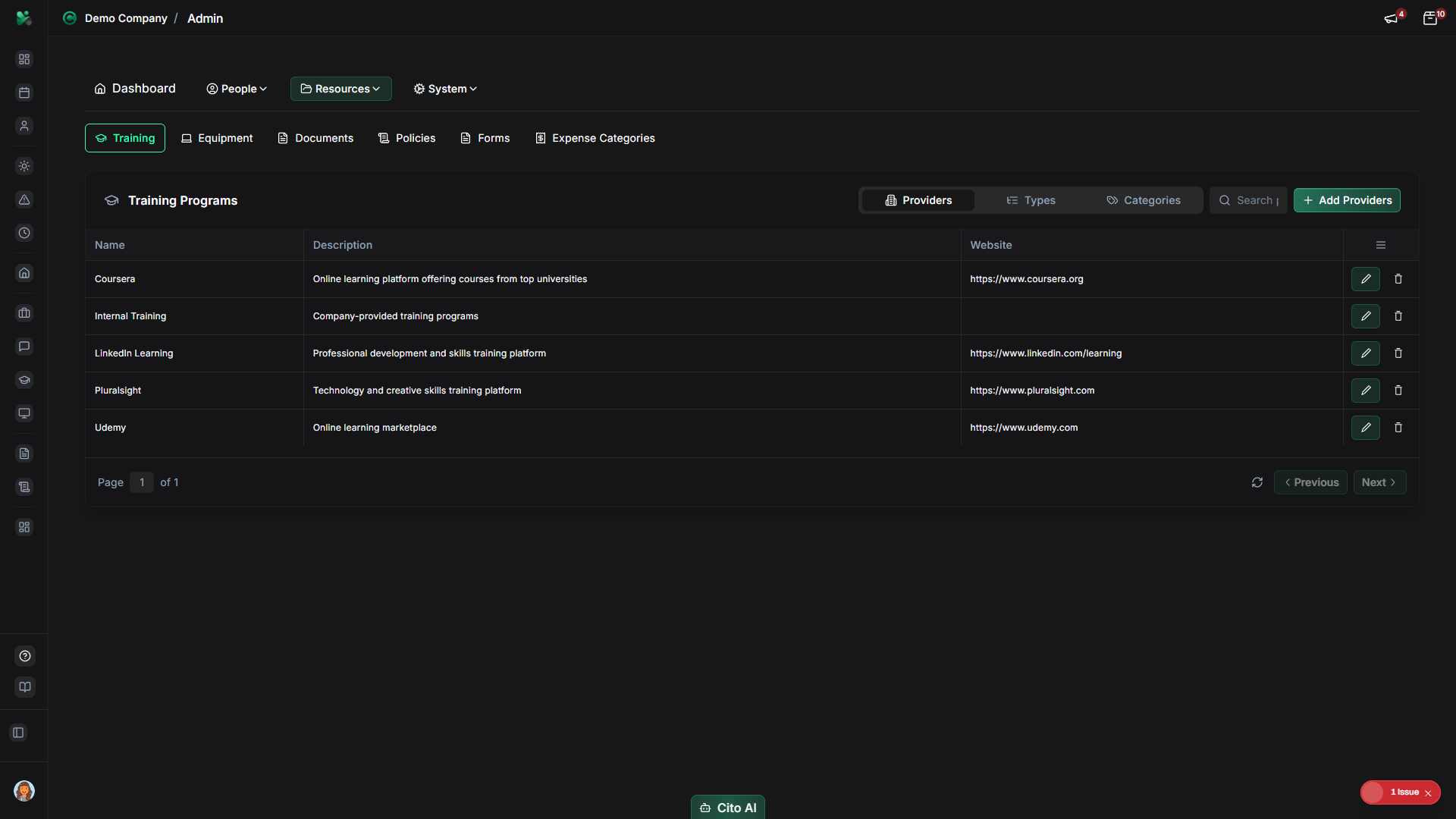
Training Tabs
The Training page has three main tabs:
- Providers - Manage training providers (external companies, internal departments)
- Types - Manage training types (e.g., Online, In-Person, Workshop)
- Categories - Manage training categories (e.g., Safety, Compliance, Skills Development)
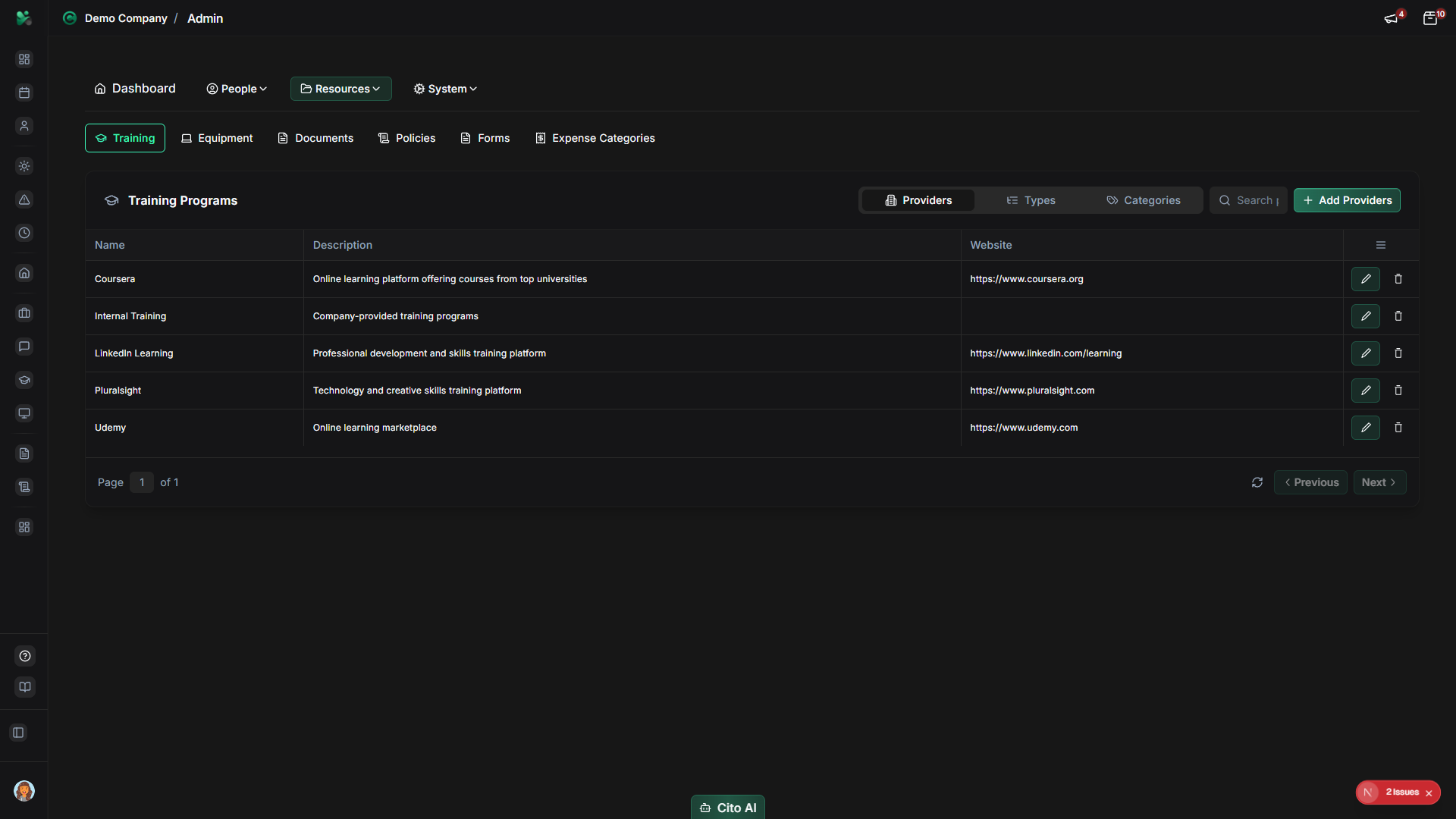
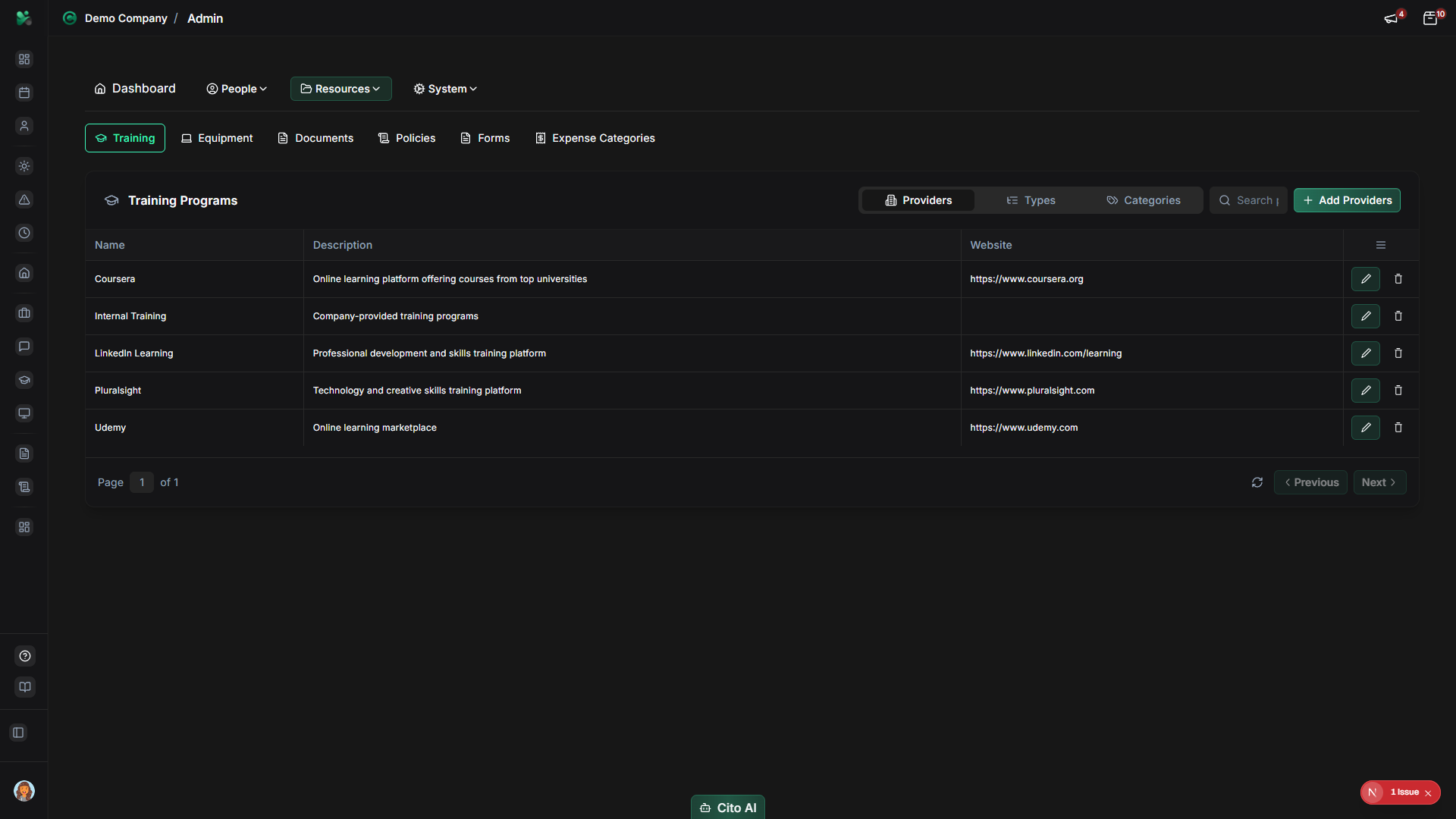
Managing Training Providers
Create and manage training providers:
- Navigate to the Providers tab
- Click the "Add Provider" or "Create" button
- Fill in the provider details:
- Name - Enter provider name (e.g., "Acme Training Ltd", "Internal HR Team")
- Contact Information - Add email, phone, website (optional)
- Description - Add notes about the provider (optional)
- Click "Create" or "Save"
- To edit a provider, click the "Edit" button and update the information
- To delete a provider, click the "Delete" button and confirm
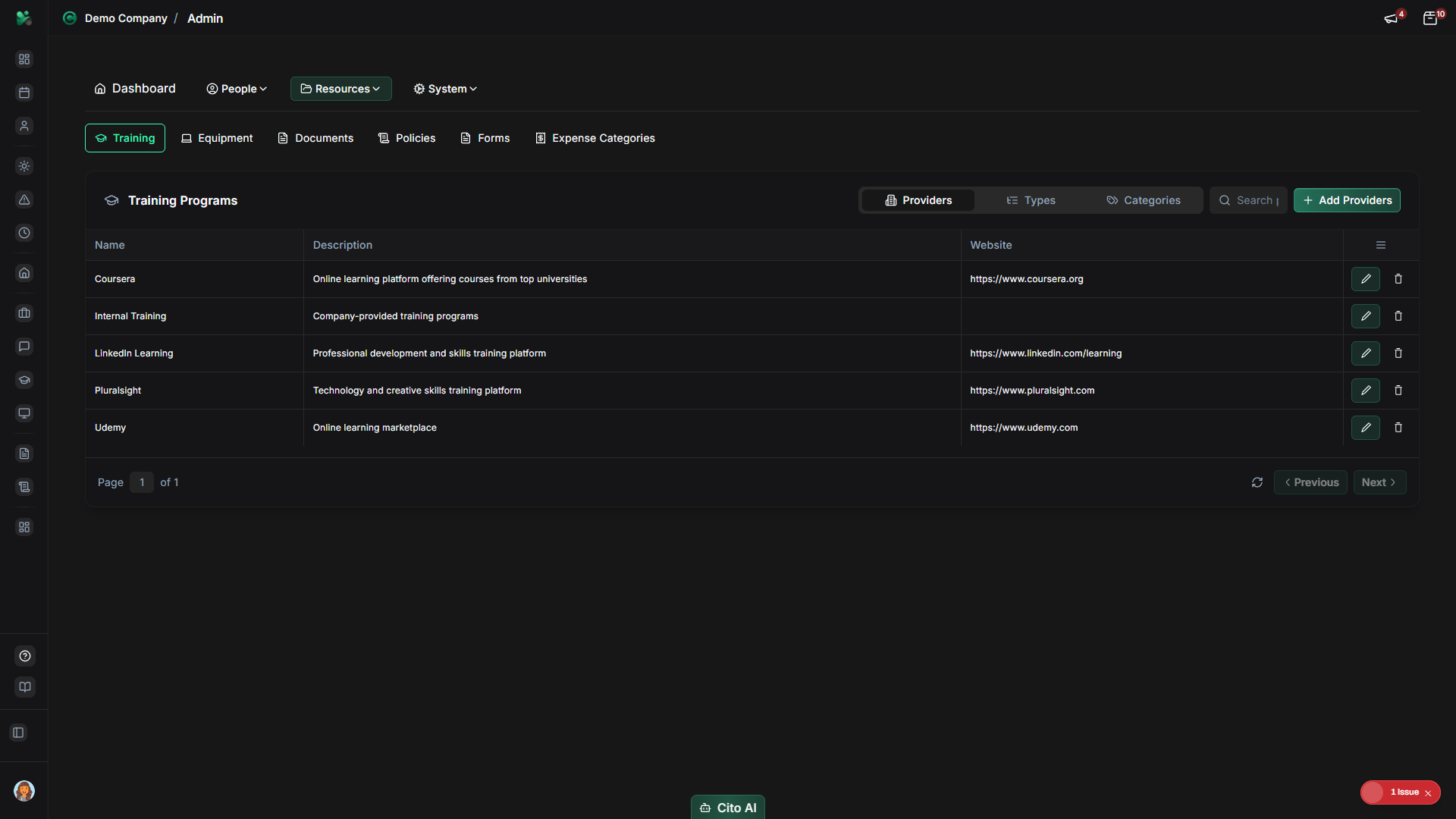
Managing Training Types
Create and manage training types:
- Navigate to the Types tab
- Click the "Add Type" or "Create" button
- Fill in the type details:
- Name - Enter type name (e.g., "Online Course", "In-Person Workshop", "Webinar")
- Description - Add description of the training type (optional)
- Click "Create" or "Save"
- To edit a type, click the "Edit" button and update the information
- To delete a type, click the "Delete" button and confirm
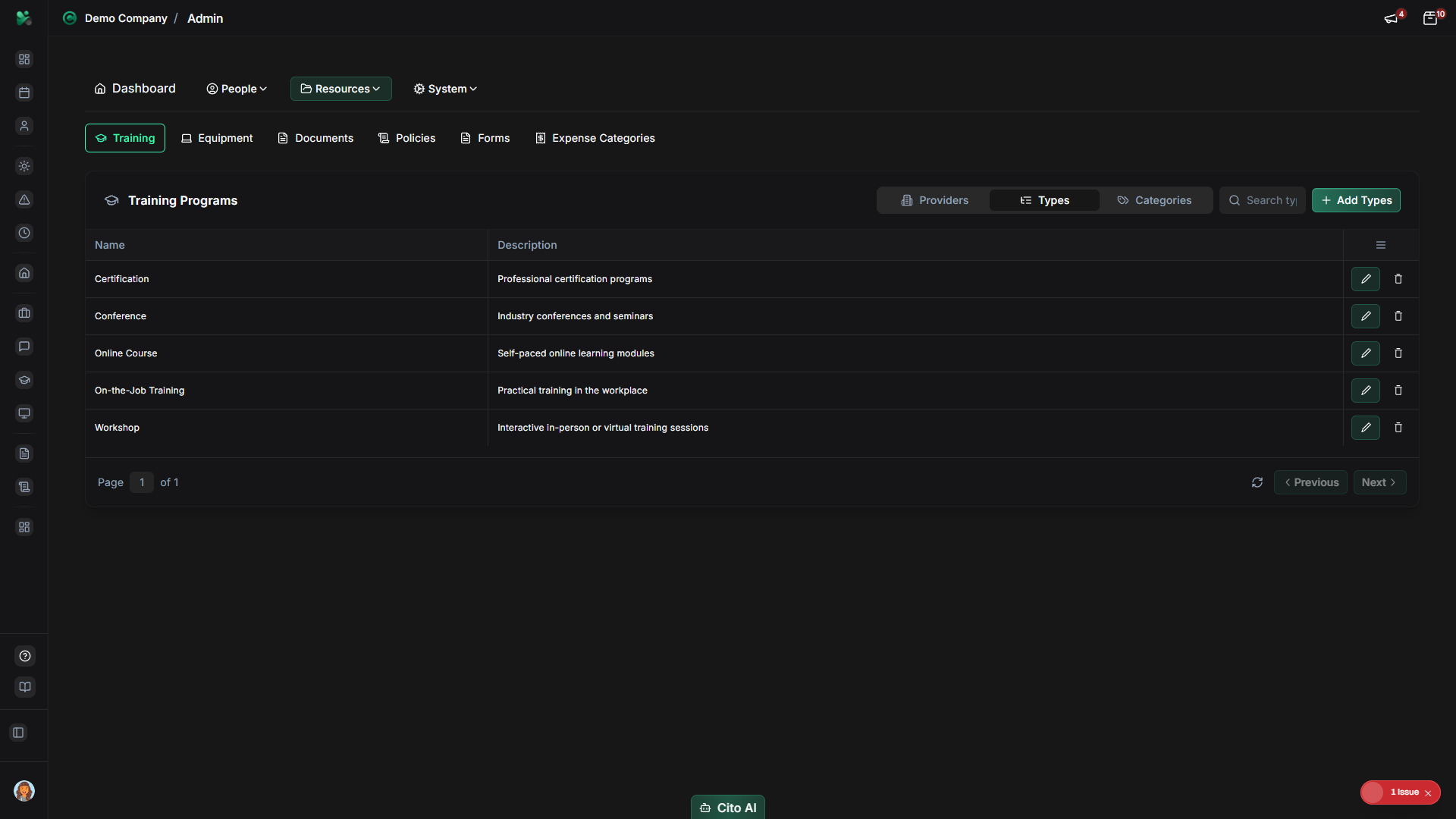
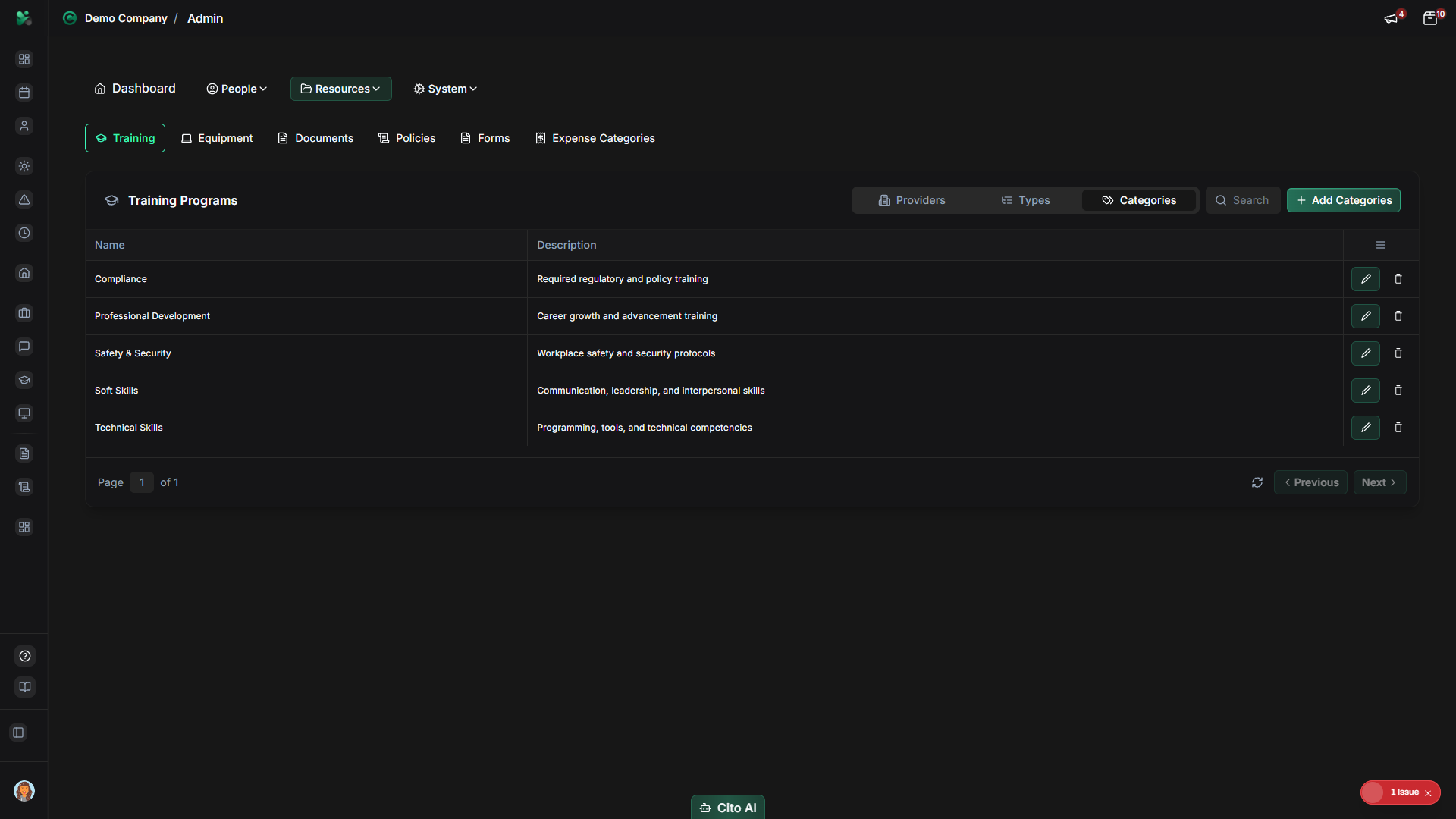
Managing Training Categories
Create and manage training categories:
- Navigate to the Categories tab
- Click the "Add Category" or "Create" button
- Fill in the category details:
- Name - Enter category name (e.g., "Safety Training", "Compliance", "Skills Development")
- Description - Add description of the category (optional)
- Click "Create" or "Save"
- To edit a category, click the "Edit" button and update the information
- To delete a category, click the "Delete" button and confirm
Searching Training Resources
Find specific providers, types, or categories:
- Navigate to the appropriate tab (Providers, Types, or Categories)
- Use the search bar at the top of the table
- Type the name or part of the name to search
- The table will filter to show only matching results
- Clear the search to see all items again
Best Practices
- Create providers, types, and categories before assigning training to employees
- Use consistent naming conventions for easier organization
- Create comprehensive categories that cover all training needs
- Keep provider contact information up to date
- Regularly review and update training resources
- Use categories to group related training programs
Related Features
- Training (Feature) - How employees view and complete training
- Users - Assign training to employees from their profiles
- Reports - Generate training completion and ROI reports